
Tiny MSG Viewer
Open .msg & .eml files on your Mac — no Outlook required.
Double-click any .msg or .eml on your Mac — read sender, body and attachments instantly, with full HTML and Dark Mode. Export to PDF in one click. No Outlook, no account.
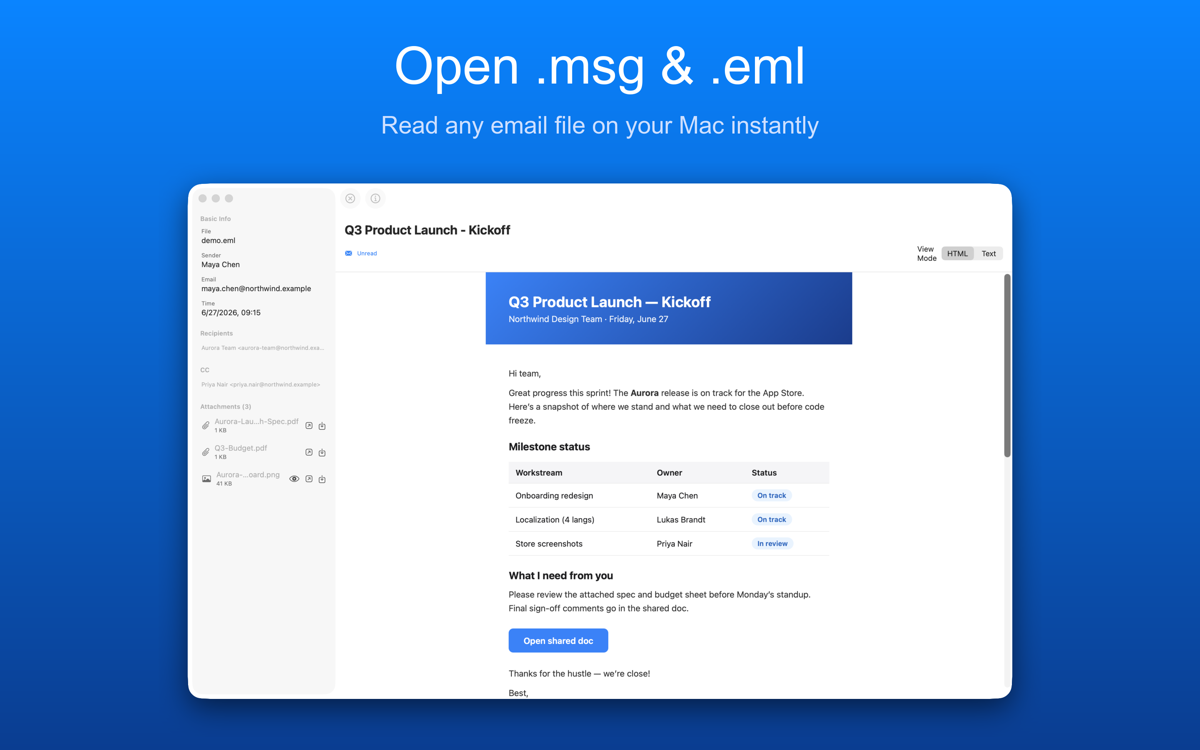
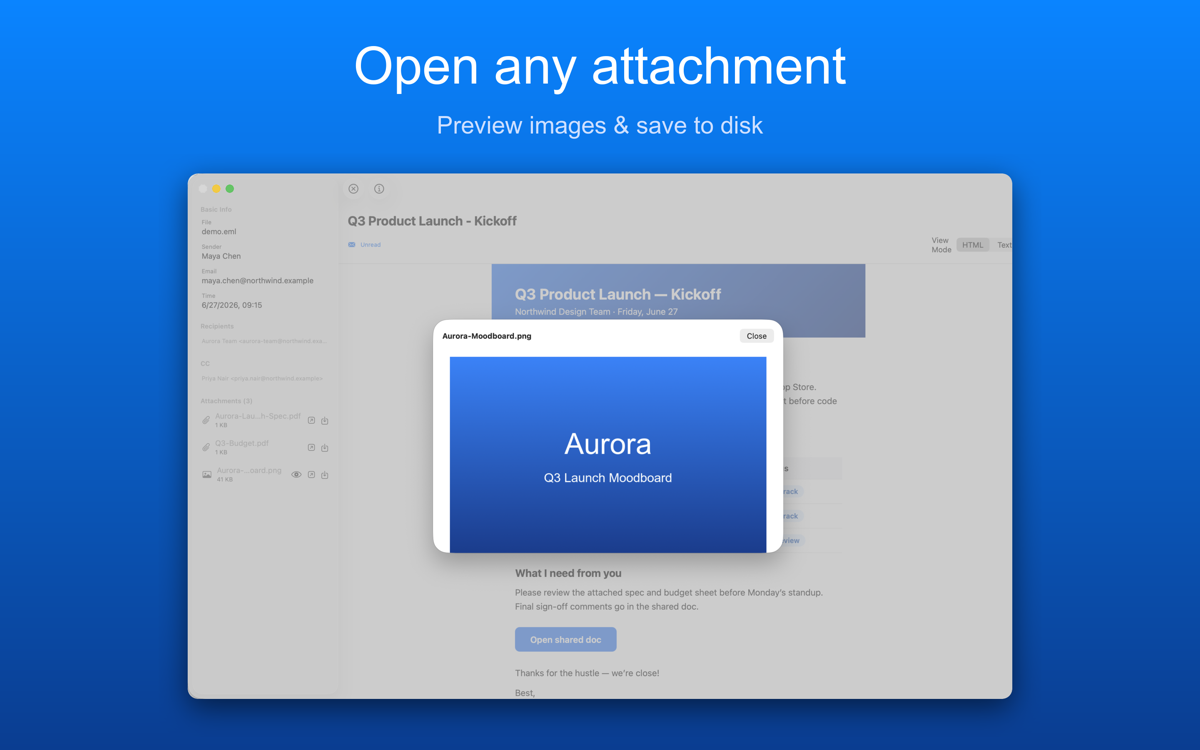
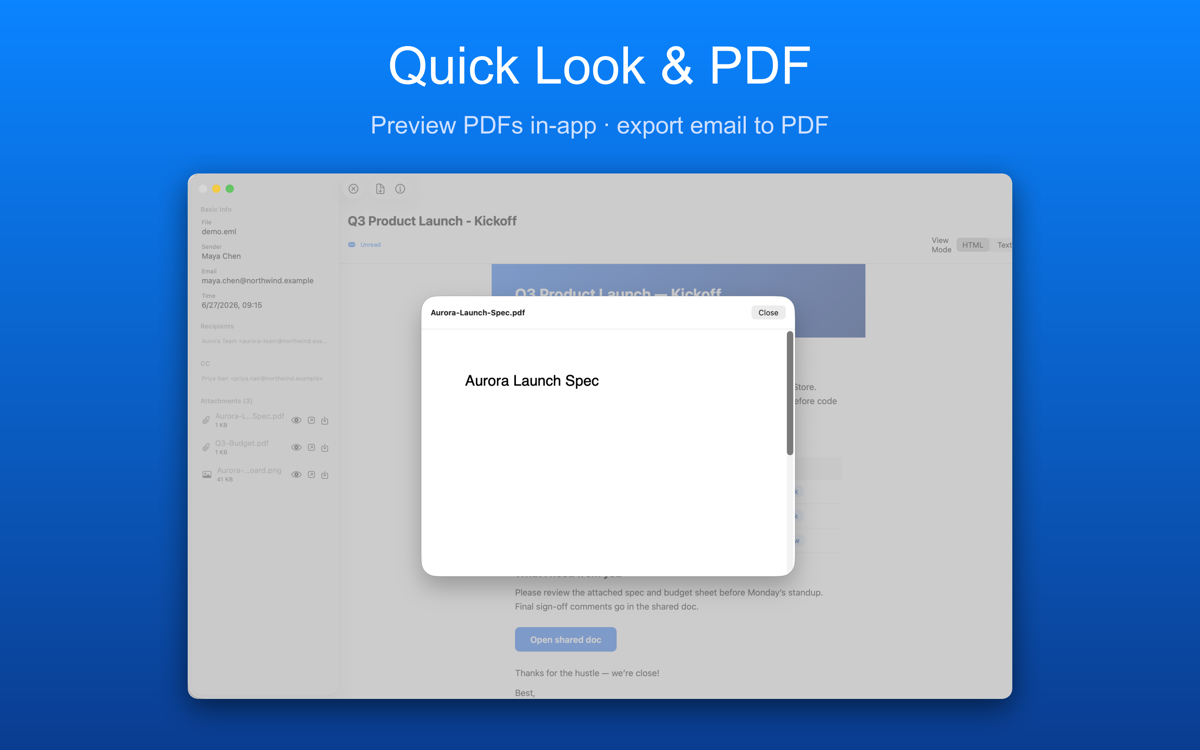
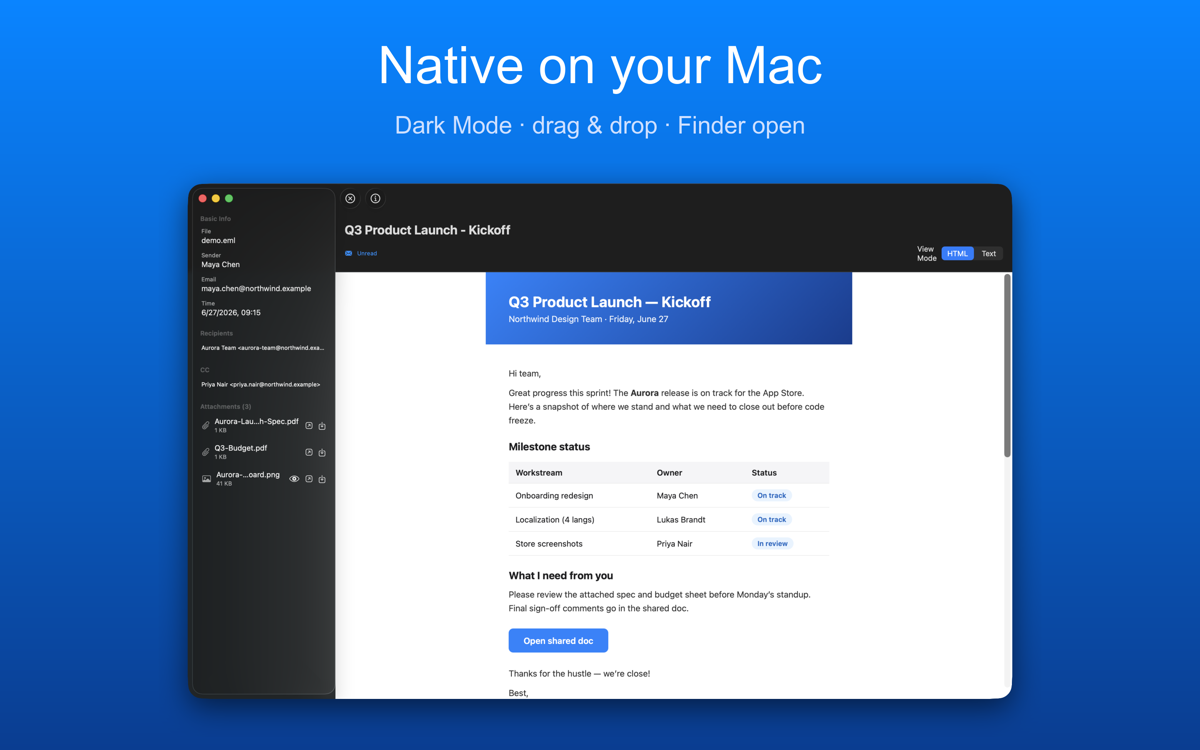
- Drag & drop, or double-click in Finder to open
- Full HTML rendering with inline images, or switch to plain text
- Quick Look in Finder — press space to preview without opening the app
- Export any email to PDF in one click
- Attachments: open, preview, or save to disk
- Parses locally on your Mac — your email never leaves your device
Does this app need an internet connection?
No — opening and reading .msg/.eml files works fully offline. An internet connection is only used if you choose to send feedback from the app menu.
Is my email data uploaded anywhere?
No. Your .msg/.eml files are parsed entirely on your Mac. The only exception: if you use TinyMSGViewer → Send Feedback, the message you type (and a screenshot if you attach one) is sent to our support channel.
Is this a subscription?
No. Tiny MSG Viewer is a one-time purchase on the Mac App Store — no subscriptions or in-app purchases.
Do I need Microsoft Outlook installed?
No. Tiny MSG Viewer reads .msg and .eml files on its own — Outlook is not required.
Support
Questions, bug reports, or feature requests — email us and we will get back to you. Please mention your device model and OS version so we can reproduce the problem.