
OneClickListen
Turn any webpage into audio — one-tap read aloud with background play.
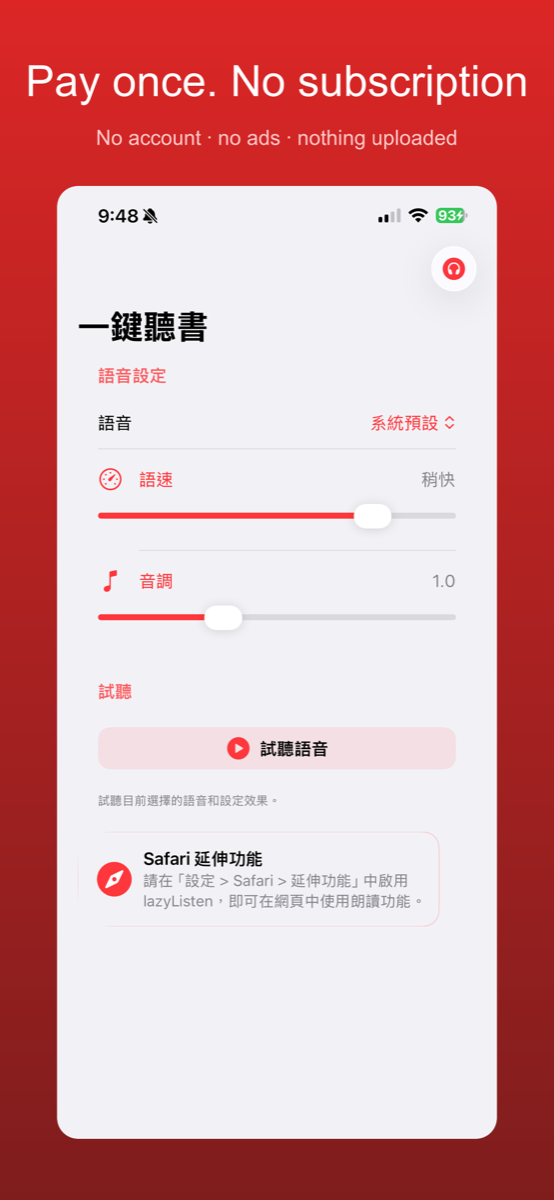
Turn any webpage into audio! One-tap read aloud with background play and resume. Pay once, no subscription — works on iPhone, iPad, and Mac.
Privacy Policy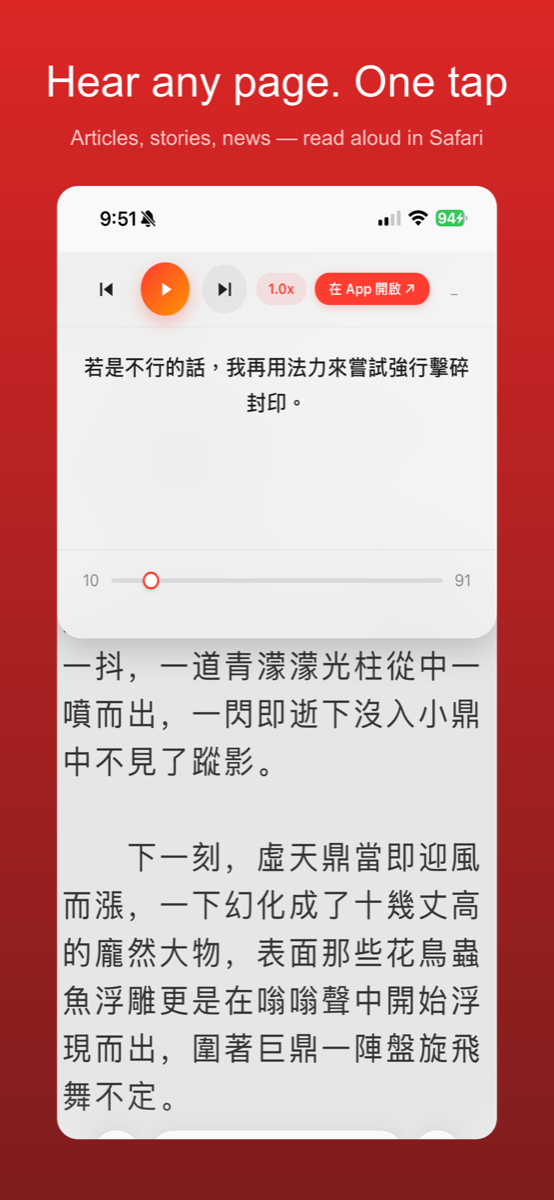
- One tap turns any webpage into audio
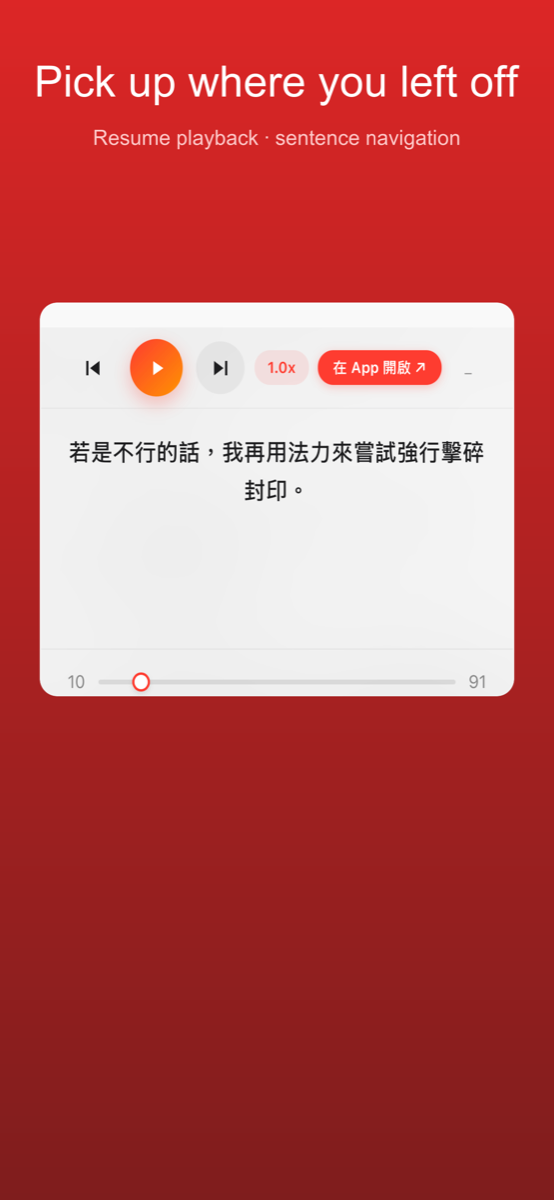
- Background playback, resumes where you left off
- Works on iPhone, iPad and Mac
- Pay once, no subscription
Does OneClickListen send my webpage text anywhere?
No. All text-to-speech processing happens on your device using Apple's built-in voices; nothing is sent to an external server.
Does OneClickListen need an internet connection?
No — once a page is loaded, reading it aloud works fully offline; text-to-speech is done entirely on-device.
Is this a subscription?
No, it's a one-time purchase that works across iPhone, iPad, and Mac.
Do I need to create an account?
No, no account or sign-in is required to use OneClickListen.
Support
Questions, bug reports, or feature requests — email us and we will get back to you. Please mention your device model and OS version so we can reproduce the problem.