
Q-Dir
A lightweight macOS file manager — multi-pane, quick preview, tags, SFTP, SMB and AFP.
A lightweight macOS file manager built for speed — multi-pane browsing, Quick Look, Finder tag sync, and remote folders over SFTP, SMB and AFP.
Privacy Policy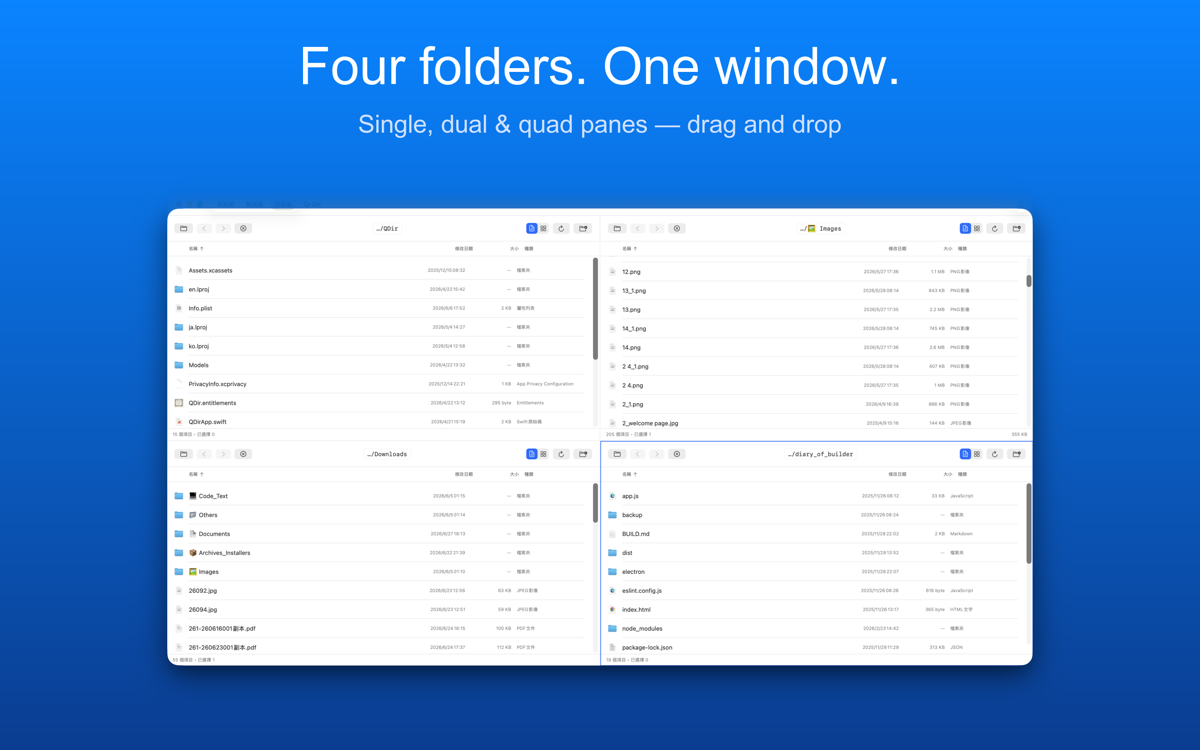
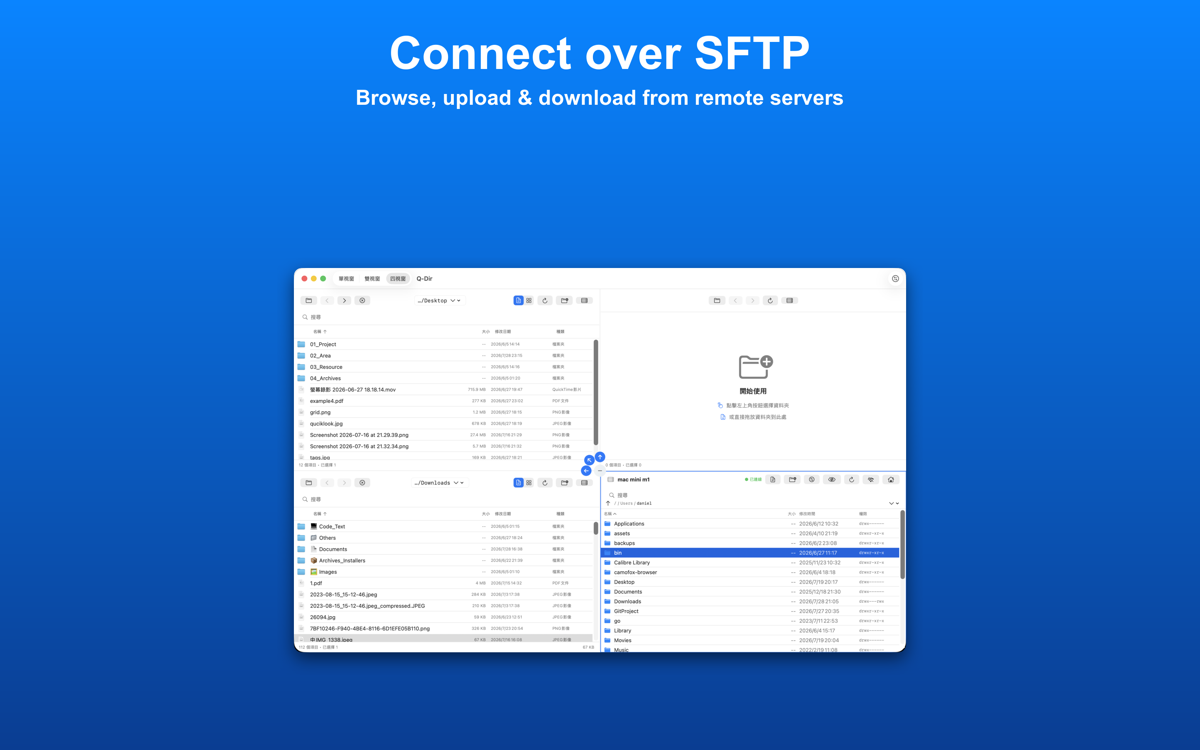
- Multi-pane list & grid view
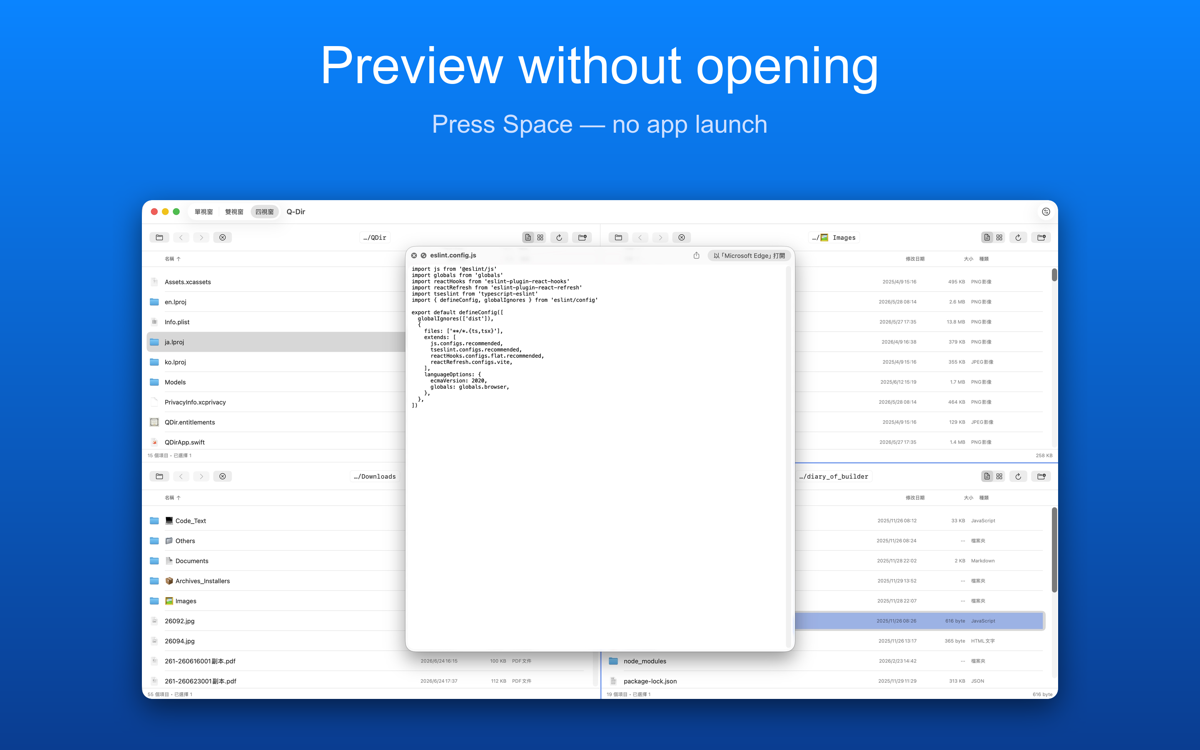
- Quick Look and fast file preview
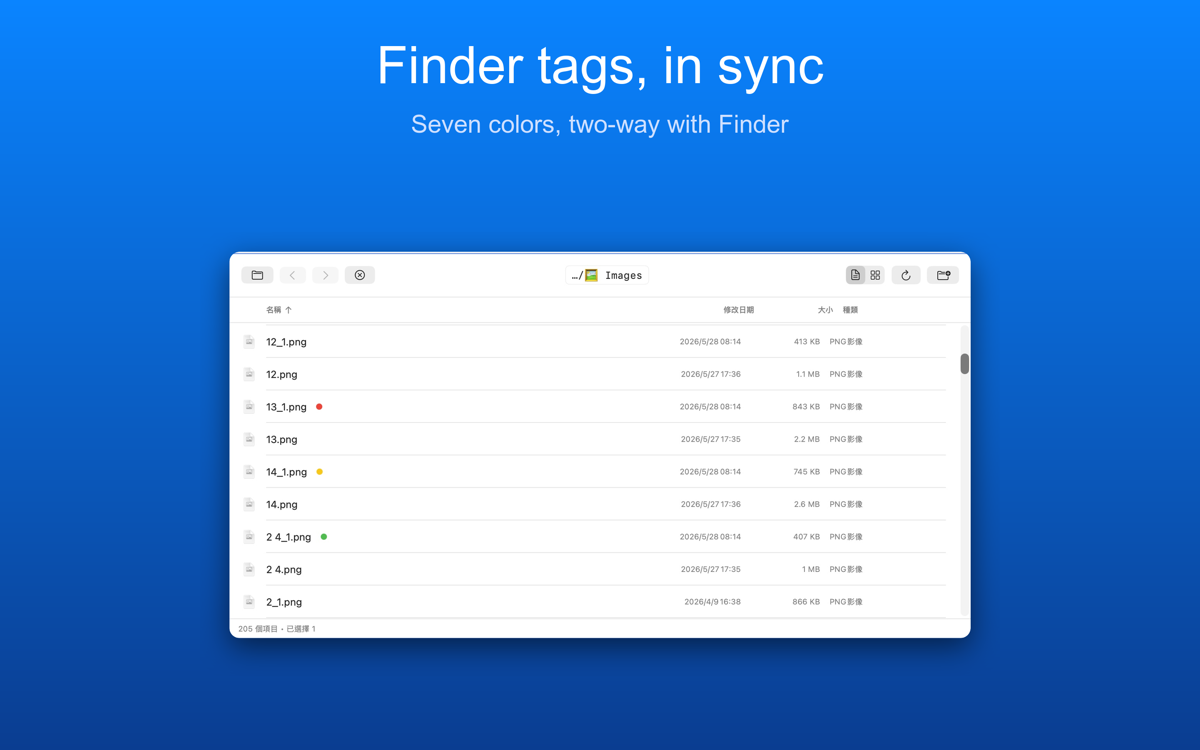
- Finder tag sync
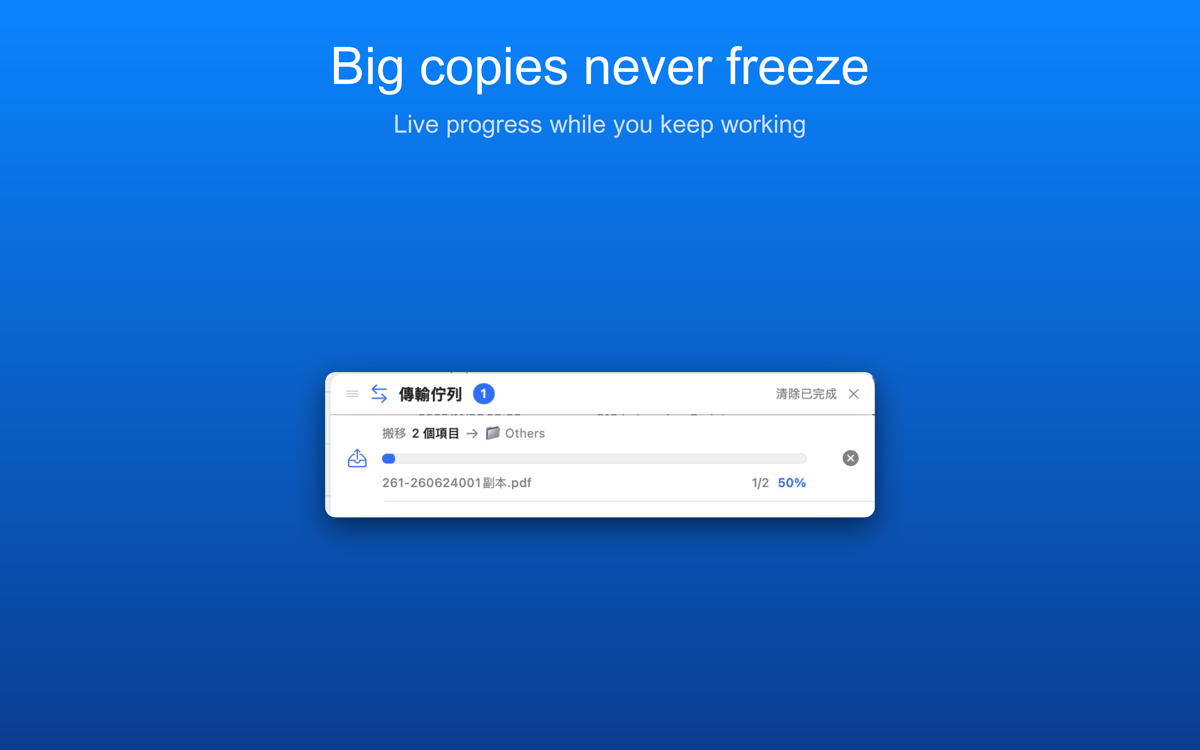
- Drag & drop file operations
- Built-in SFTP, SMB and AFP connections
Does Q-Dir need an internet connection?
Local file browsing and management work entirely offline. A connection is only used when you open a remote server (SFTP, SMB or AFP) or choose to send feedback from inside the app.
Is my data uploaded anywhere?
Q-Dir has no server of its own — your files stay on your Mac. SFTP credentials are kept in the macOS Keychain and the connection goes straight to the server you specify; SMB and AFP shares are mounted by macOS itself. The only thing that ever leaves your Mac is a feedback message, and any file you attach to it, when you choose to send one.
Is this a subscription?
No. Q-Dir is a one-time purchase on the Mac App Store, no subscription, no additional in-app purchases.
Does Q-Dir show ads or track me?
No. Q-Dir has no analytics, advertising, or tracking SDKs of any kind.
Support
Questions, bug reports, or feature requests — email us and we will get back to you. Please mention your device model and OS version so we can reproduce the problem.