
TrailPop
Turn your trip photos into a map-route travel video with a map-fog reveal — rendered on your device.
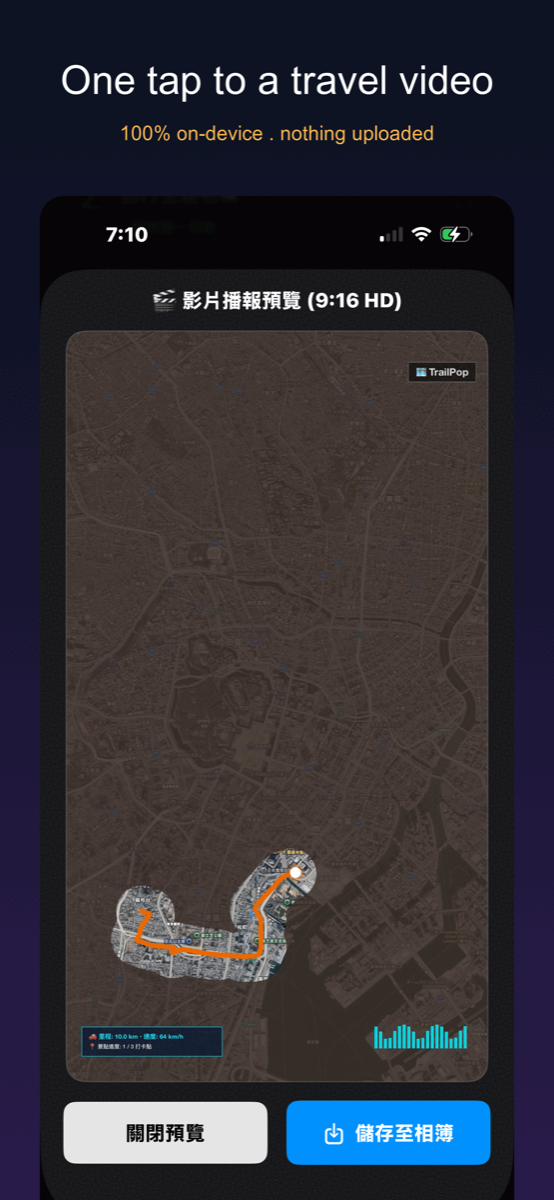
TrailPop reads the GPS and time stored in your trip photos, orders your stops, traces real roads with Apple Maps and turns it all into a 9:16 route video. The map fog clears as your route progresses, photos pop out at each stop, and the video renders on your device — your photos are never uploaded.
Privacy Policy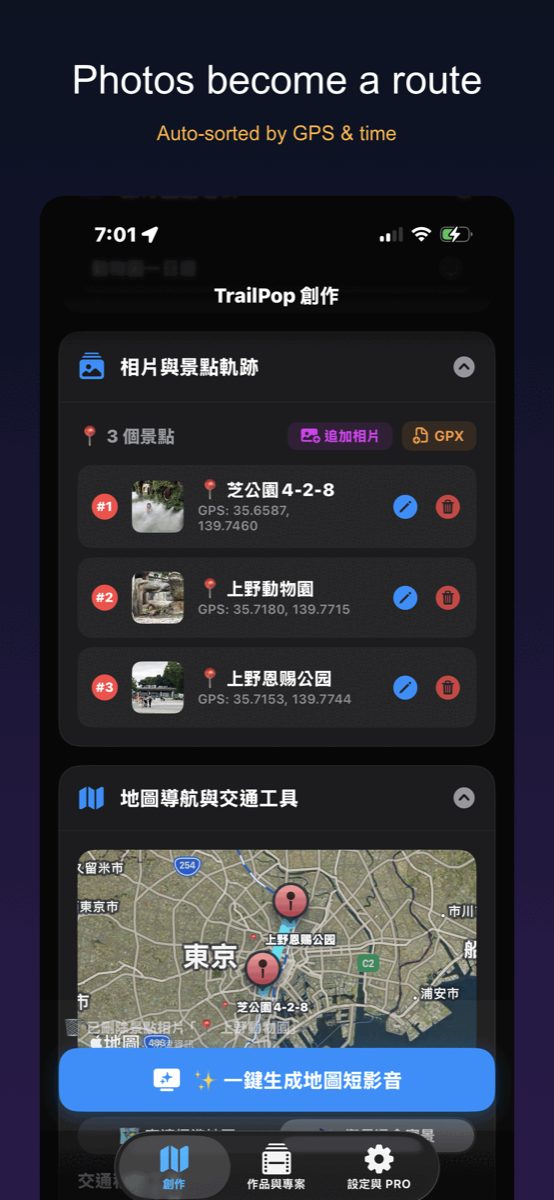
- Reads GPS + timestamp from your photos' EXIF automatically
- Real turn-by-turn road navigation trace (MapKit directions)
- Map fog clears as your trip progresses
- Photos pop out in 3D at each stop
- 5 transport modes: car, plane, walking, train, boat
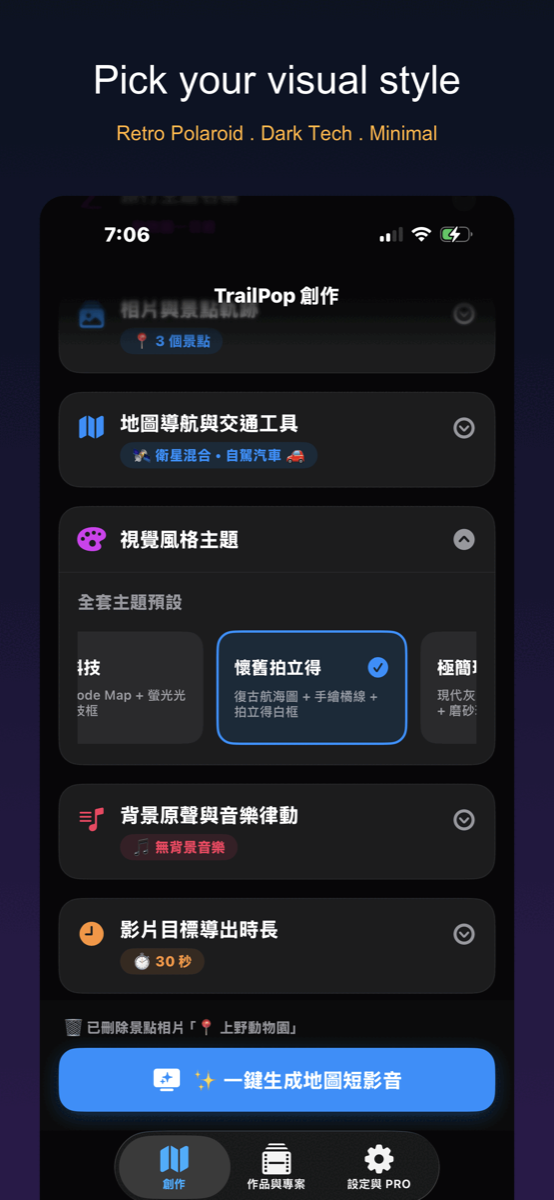
- 3 visual themes, 15s–5min export, 9:16 for Reels/TikTok
- Procedurally generated background music
- Rendered on your device — photos never uploaded
Does TrailPop need an internet connection?
For the map, yes. Road routes, place names and map tiles come from Apple Maps, which needs a connection. Reading your photos and rendering the video happen on your device.
Is my data uploaded anywhere?
Your photos and exported videos never leave your device, and TrailPop has no server of its own. To draw routes and name places, the stop coordinates are sent to Apple Maps (Apple's MapKit service). The free iOS version shows rewarded ads from Google AdMob, which may collect device and ad data under Google's privacy policy; see the privacy policy for details.
Is this a subscription?
No subscription is required. On iPhone and iPad the free tier includes 3 video exports a day; after that, each export needs one short rewarded ad. It covers up to 10 waypoints at 30fps with a watermark. Optional PRO (subscription or one-time lifetime purchase via Apple) has no ads and unlocks 50 photos per trip, unlimited projects, all themes and transport modes, 60fps, no watermark and videos up to 5 minutes. The Mac version has no ads and no export limit.
Does TrailPop track my location?
No. It never accesses your device's live GPS — only the GPS data already saved inside photos you choose to select.
Support
Questions, bug reports, or feature requests — email us and we will get back to you. Please mention your device model and OS version so we can reproduce the problem.